

Setup Guide
Five steps to a connected workflow
Log in to EasyRem
Access your account
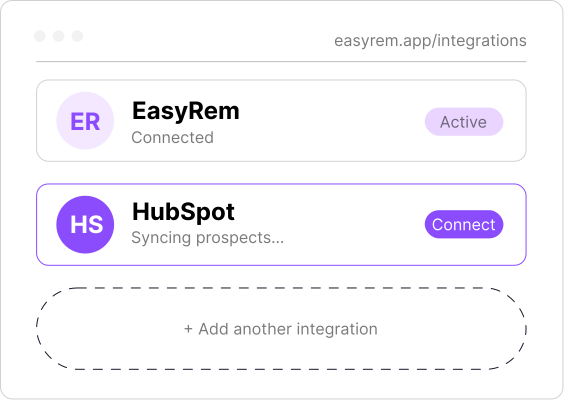
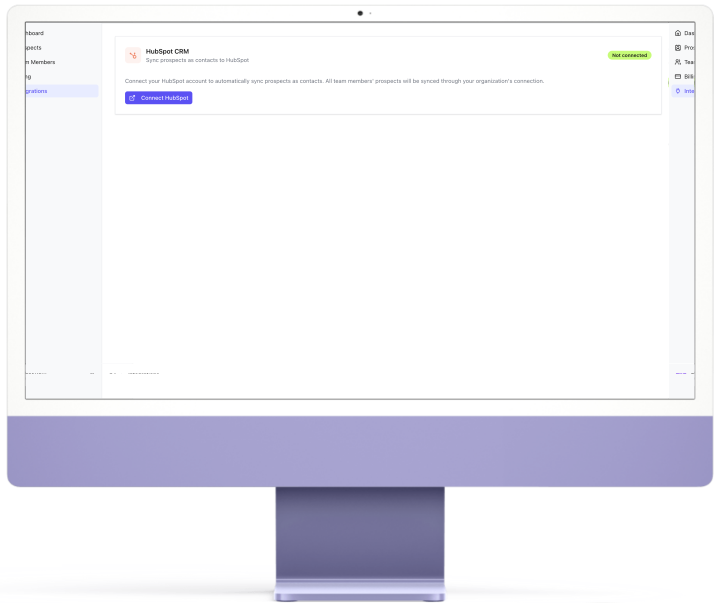
Go to Integration
Find it in left menu
Click Connect HubSpot
Authorize the connection
Confirm Connection
See the success message
View Synced Prospects
Access them in HubSpot Contacts
Log in to EasyRem
Access your account
Go to Integration
Find it in left menu
Click Connect HubSpot
Authorize the connection
Confirm Connection
See the success message
View Synced Prospects
Access them in HubSpot Contacts
Ready to connect EasyRem with HubSpot?
Start capturing prospects and sync them into HubSpot in minutes.